Turn your Mac into a motion sensitive surveillance system
Periscope is a video surveillance systemthat uses your webcam to detect movements and sounds.
Keep an eye on things wherever you are
Periscope can be used in a variety of ways whether it’s just keeping an eye on what your kids are doing upstairs to checking up on pets, monitoring a home or office in another city or country, or even watching a public space or event by connecting it to a public IP Camera. It’s useful for any situation or place that you want to keep an eye on but can’t physically be there to do so.
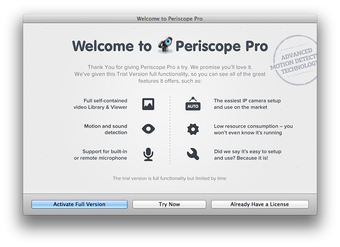
While many such systems provided live video camera or webcam images, Periscope is a bit different as it can alert you based on detection of motion or sound. Periscope is packed with features to highly customize your security setup such as Automatic Setup for IP Cameras, an In-App Clip Library, and Cloud uploading.
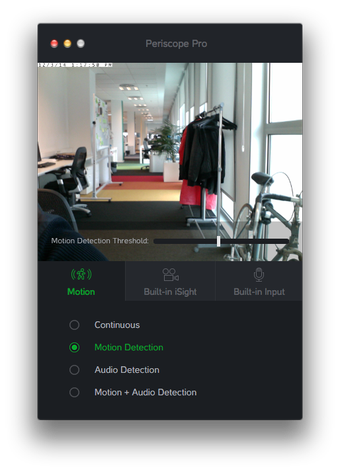
Periscope can be set to record everything that moves or makes a sound. This is better than systems that record everything as they very quickly fill up your hard drive. It also means that if something does happen, there’s not hours and hours of footage to sort through. Don’t worry about it suddenly activating because the cat has just walked past the camera – you can adjust the motion sensitivity settings so that recording only starts if there’s significant motion in front of the camera.
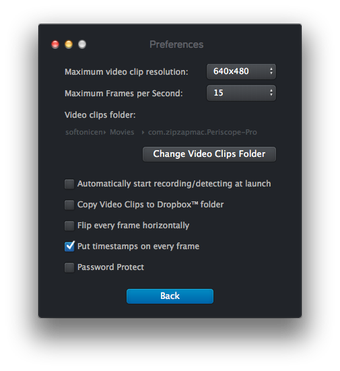
However, if you do want 24/7 footage Periscope will allow you to record it, although it’s advisable to use an external storage device if you use this setting to ensure you have enough recording space.One other handy feature is the ability to upload footage to Dropbox so that you can view video even if you’re not at home. This can take some time to upload depending on your connection and it’s only advisable if you have a fast fiber optic or fast broadband connection
Automatically configures IP cameras
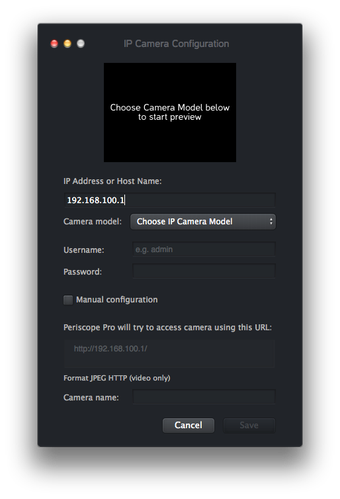
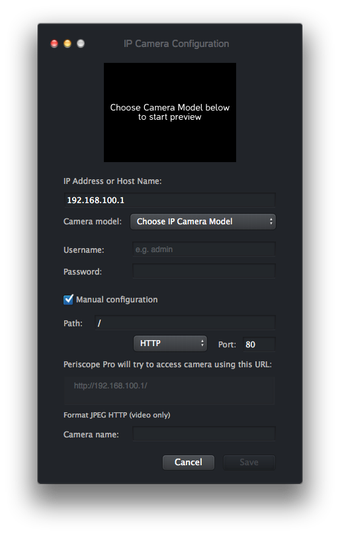
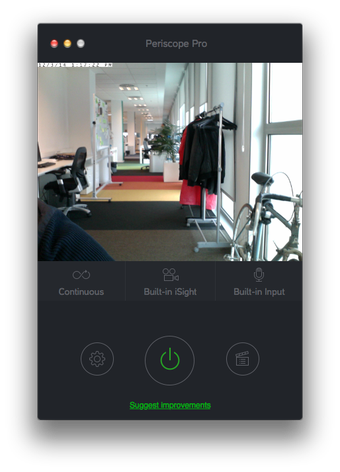
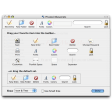
Persicope allows you to use your Mac’s built-in iSight camera and microphone. However, you can also use it with an IP Camera located remotely. Setting up the latter can potentially be complicated but Persicope makes it reasonably painless because setup is automatic. You only need to enter the camera’s IP address, select the model from a dropdown list and Periscope will automatically connect to and configure it. Alternatively, if you know what you are doing or are having setup issues, you can switch to manual configuration.
To view recorded footage, there’s a one-click Clip Library along the right-hand side with thumbnails which you can expand to full-screen.
If there are any problems with the setup, the developer claims to provide 24-hour support, with a response time of less than 1 hour.
A comprehensive surveillance solution
Periscope is one of the slickest and user friendly surveillance systems of its kind – perfect for monitoring your home or office with no experience.